







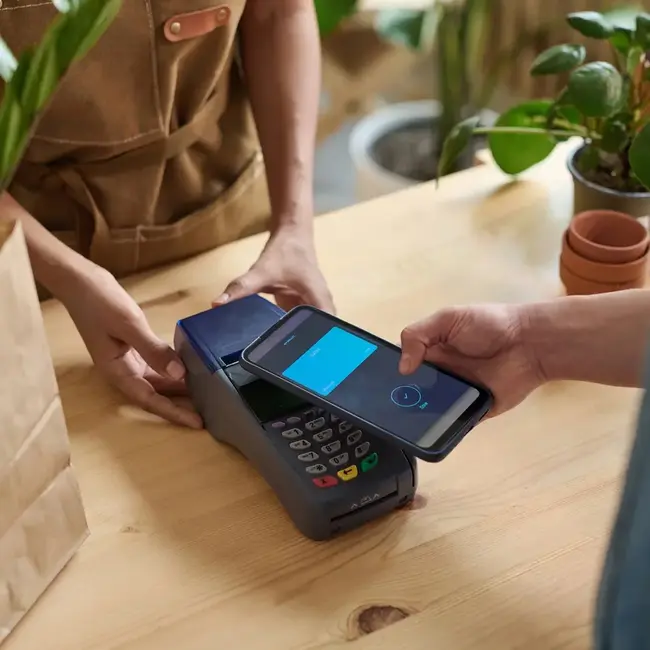
Mobile Wallet
- Compatible with Apple, Android, Fitbit, Garmin, and Samsung devices
- Add digital versions of your BHFCU cards
- Make quicker, more secure payments everywhere
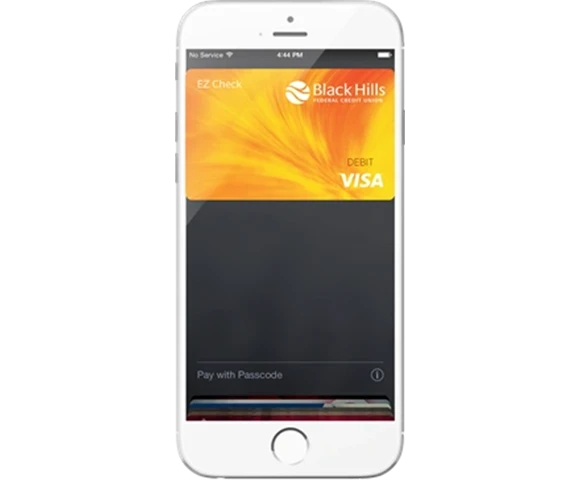
Apple Pay
- Get started by adding your debit or credit cards to your iPhone, iPad, Apple Watch, or Mac.
- Go to the Wallet App and tap Add Credit or Debit Card.
- Follow the steps to add a new card. You will be prompted for a one-time entry of a few account details, like your name, address, card number, expiration date, and the three-digit card verification value (CVV) that can be found on the back of your card.
- Visit apple.com/apple-pay for more details.
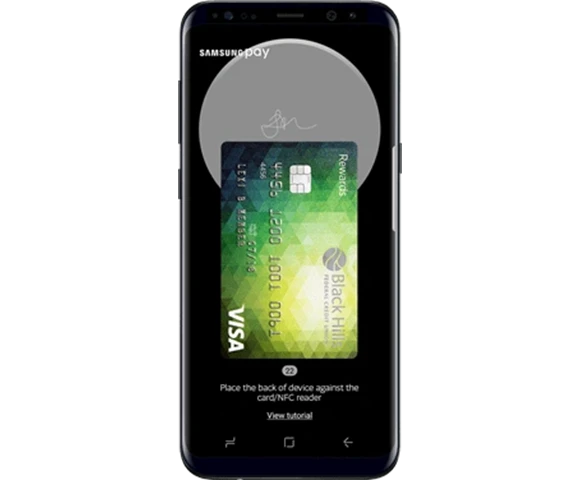
Samsung Wallet
- If the app is not preloaded on your Samsung phone, download the app in your Google Play Store.
- Once you have the app downloaded on your Samsung device, open the app and sign in or create an account.
- Open the Samsung Wallet app and touch ADD.
- You can either allow the app to access your camera to capture your card information, or you can enter card manually.
- Once your card information is complete, touch NEXT.
- You will then be prompted to receive a One Time Passcode. Retrieve your passcode and enter it in the app and touch SUBMIT.
- Next you will enter your signature and touch SAVE, then DONE.
- You can use your fingerprint, PIN, or password for your verification method. If you use a PIN or password instead of your fingerprint, you will be required to set one up for your phone if you do not already have one set up.
- Visit Samsung Wallet for more details.
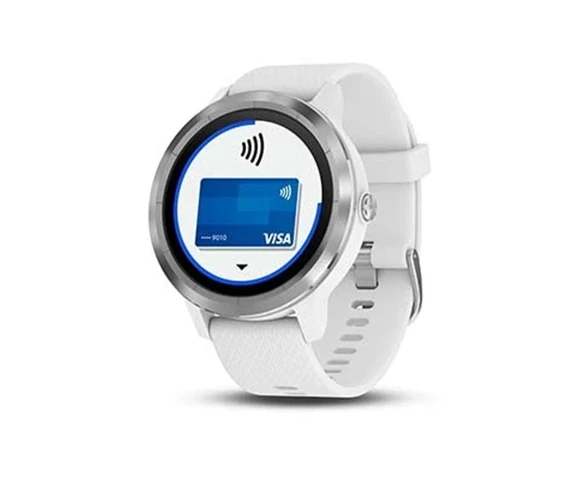
Garmin Pay
- With Garmin Pay, you can add your credit and debit cards to Garmin devices through the Garmin Connect Mobile App.
- In the Garmin devices section of the Garmin Connect Mobile App is where you add and remove payment cards for Garmin Pay, set a default card for your device, edit a payment method, and review recent purchases. If you lose your device, you can also suspend the cards on it for added security.
- Visit Garmin Pay for more details.
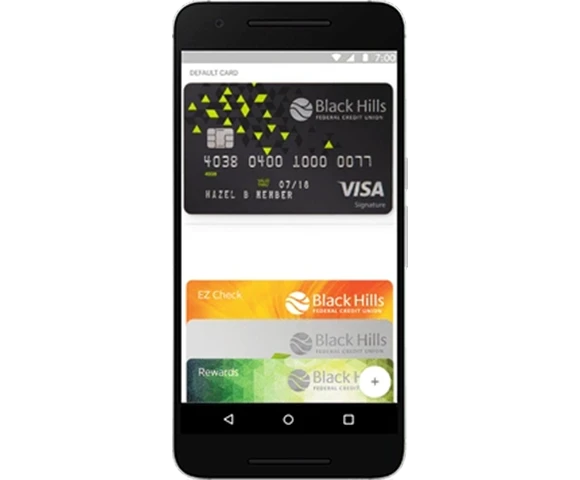
Google Wallet
For most Android Phones with OS KitKat 4.4 or higher and NFC capability.
- Simply download the Google Wallet app from the Google Play Store
- Open the app and touch the + symbol
- Follow the instructions to add your BHFCU cards
- You will then be prompted to receive a One-Time Passcode. Retrieve your passcode and enter it in the app.
- If you do not already have a screen lock set up, you will be prompted to set up a PIN or fingerprint ID.
- Make sure your BHFCU card of choice is selected as the default card.
- Visit Google Wallet for more details.

The credit or debit card associated with your Apple account or the first card you add to Apple Pay is automatically your default card. To change your default card:
- Go to Settings – Wallet and Apple Pay
- Tap "Default Card"
- Choose your BHFCU card
You can use Apple Pay, Samsung Pay or Android Pay at thousands of merchants nationwide.
More to Explore
Resources to help you make smart money moves.

6 Questions to Ask Yourself If You Suspect Fraud
Find out how to step back and ask key questions to navigate a potentially fraudulent situation.
Learn more
7 Types of Fraud You Need to Know Today
Learn how to spot common types of fraud so you can avoid them.
Learn more
Free Credit Score Monitoring
Keep an eye on your credit score to make sure you can qualify for the best loan rate.
Learn more

High Interest Savings
Give Your Savings a Glow-Up
Watch your money do more with a high-yield saving account that helps every dollar shine a little brighter.
Pages within: